News
PHP2Shell: why a patch isn't a recovery plan
PHP2Shell let attackers run code on PHP servers days before a patch existed. Here's why patching isn't the end of the story, and how backups tell you whether your server is still clean.
PHP2Shell: why a patch isn't a recovery plan
Nov 1, 2026 · @Kenneth
On 21 October 2026, PHP shipped emergency fixes for two critical flaws now known as PHP2Shell. Installing the patch closes the door. It does not tell you whether someone already walked through it, and that is the question only a good backup can answer.
PHP2Shell is a pair of vulnerabilities in the PHP engine itself: CVE-2026-109618 and CVE-2026-109619, both rated CVSS 9.2. An unauthenticated attacker can send a crafted HTTP request and run commands on the server. Because the bug sits below the application, it does not matter whether the site is WordPress, Drupal, Joomla or something written in-house. According to PHP, every installation serving web requests is at risk, whether it runs PHP-FPM, Apache with mod_php, php-cgi, FrankenPHP or LiteSpeed (NCSC-NL).
Most coverage has focused, rightly, on patching. This article is about the part that comes after: how you know your server is clean, and how you get it back if it isn't.
The window a patch doesn't cover
Even a server patched within hours of the release was exposed for days. Attackers were probing before the fix existed, and most servers were patched long after it did.
Date (2026) | What happened |
|---|---|
Late October | CISA confirms PHP2Shell is being exploited in real attacks (BleepingComputer) |
24 October | Honeypots running PHP 8.4.26 record 35 shells launched from two IP addresses (SecurityWeek) |
21 October | PHP releases fixed versions 8.5.12, 8.4.27, 8.3.36 and 8.2.35 (NCSC-NL) |
20 October | Technical details leak online ahead of coordinated disclosure (Akamai) |
About 17 October | Amazon observes exploitation attempts four days before patches exist (BleepingComputer) |
The scale is large. Unit 42 counts more than 22.6 million exposed instances that are potentially vulnerable (noze). Delft University's threat lab has logged over 50,000 exploitation requests from more than 600 IP addresses in 70 countries (The Register). Patching has been slow: one UK report found only a quarter of organisations had deployed the fix (Computing).
To be fair to the facts, many early attempts were judged unsuccessful, and confirmed compromises of real systems remain few. But "few confirmed" is not the same as "few happened". Indicators of compromise are still limited (Recorded Future), so a successful break-in may simply not have been noticed yet.
Why "patch and move on" isn't enough
A patch stops new break-ins. It does nothing about changes an attacker made while the hole was open.
Remote code execution means the attacker runs commands as the web server user, and often that is enough to:
drop a web shell into an uploads or cache folder, giving them a way back in that survives the patch
edit application files,
.htaccessor theme code to inject redirects or skimming scriptsadd a cron job or a new admin account in the CMS database
read configuration files holding database passwords, API keys and cloud tokens
None of this is undone by upgrading PHP. That is why responders such as ReliaQuest advise rotating every credential, token and key present on a compromised server (noze).
So the real question after PHP2Shell is not "are we patched?" It is: what did this server look like before mid-October, and can we get back to exactly that?
What a backup gives you here
A versioned backup from before the exposure window turns an open-ended investigation into a comparison and a restore.
A known-good reference. Restore the web root from a version taken before 17 October into a separate folder and diff it against the live server. Any file that appeared or changed without a deployment to explain it deserves a close look. Without that baseline, you are guessing which of thousands of PHP files belong there.
A clean rebuild. If you find tampering, don't try to clean the server in place. Build a fresh, patched host, restore application code and configuration from the pre-window version, and only then bring data across.
Code and data on different clocks. Code and config can usually go back to mid-October without loss. Databases and user uploads can't, because real customers kept using the site. Restore the latest data, then check it against the older version for new admin users, injected content or unexpected scheduled tasks.
Retention long enough to matter. This is where many setups fail. If you keep seven days of backups and start investigating two weeks after the leak, every version you hold already includes the intruder. A retention ladder, for example daily versions for two weeks, weekly for three months and monthly for a year, keeps a clean point available. With block-level deduplication, that history costs far less storage than it sounds (how deduplication works).
Copies that live somewhere else. A backup on the same server, or a disk the web server can write to, is just more files for an attacker to change.
Your backup credentials live on that server too
An attacker with a shell can read whatever the server can read, including the backup job's configuration. If those credentials can delete or overwrite old versions, so can the attacker. That is how intrusions turn into data loss.
A few choices limit the damage:
Run the backup agent as its own user, not as the web server user, so a PHP compromise doesn't hand over the backup configuration directly.
Give the destination write access, not delete access. Retention and cleanup can be enforced on the storage side, where the web server can't reach.
Turn on versioning or object lock on the bucket, so even a stolen key can't rewrite history inside the lock period.
Keep the encryption passphrase off the server's day-to-day reach and escrowed somewhere separate, so you can still restore if the server is lost (backup key management for teams).
Rotate backup credentials along with everything else if you suspect a compromise.
A checklist for anyone running PHP
If you run PHP sites, for yourself or for clients, work through this now:
Upgrade to PHP 8.5.12, 8.4.27, 8.3.36 or 8.2.35. If you can't yet, set
session.upload_progress.enabled=0as a stopgap (Qualys), then patch anyway.Confirm you have backups of the web root, configuration and database from before 17 October.
Pin or extend retention on those versions today, so routine cleanup doesn't delete your last clean copy.
Restore the pre-window web root to a separate location and diff it against the live site.
Look for new cron entries, new CMS admin users and unexpected processes started by PHP workers.
Rotate database passwords, API keys and cloud tokens stored on the server, including the backup destination's.
Check that the backup credentials on the server cannot delete old versions.
Do a test restore to another machine, so you know the rebuild works before you need it.
The next PHP2Shell is already coming
PHP2Shell will be patched and forgotten. The next critical flaw, in PHP, a web server, a CMS plugin or a VPN appliance, will follow the same pattern: details leak, attackers move within hours, and defenders find out later what happened during the gap. You can't control that timing. You can control whether a clean copy of your systems exists when you need it.
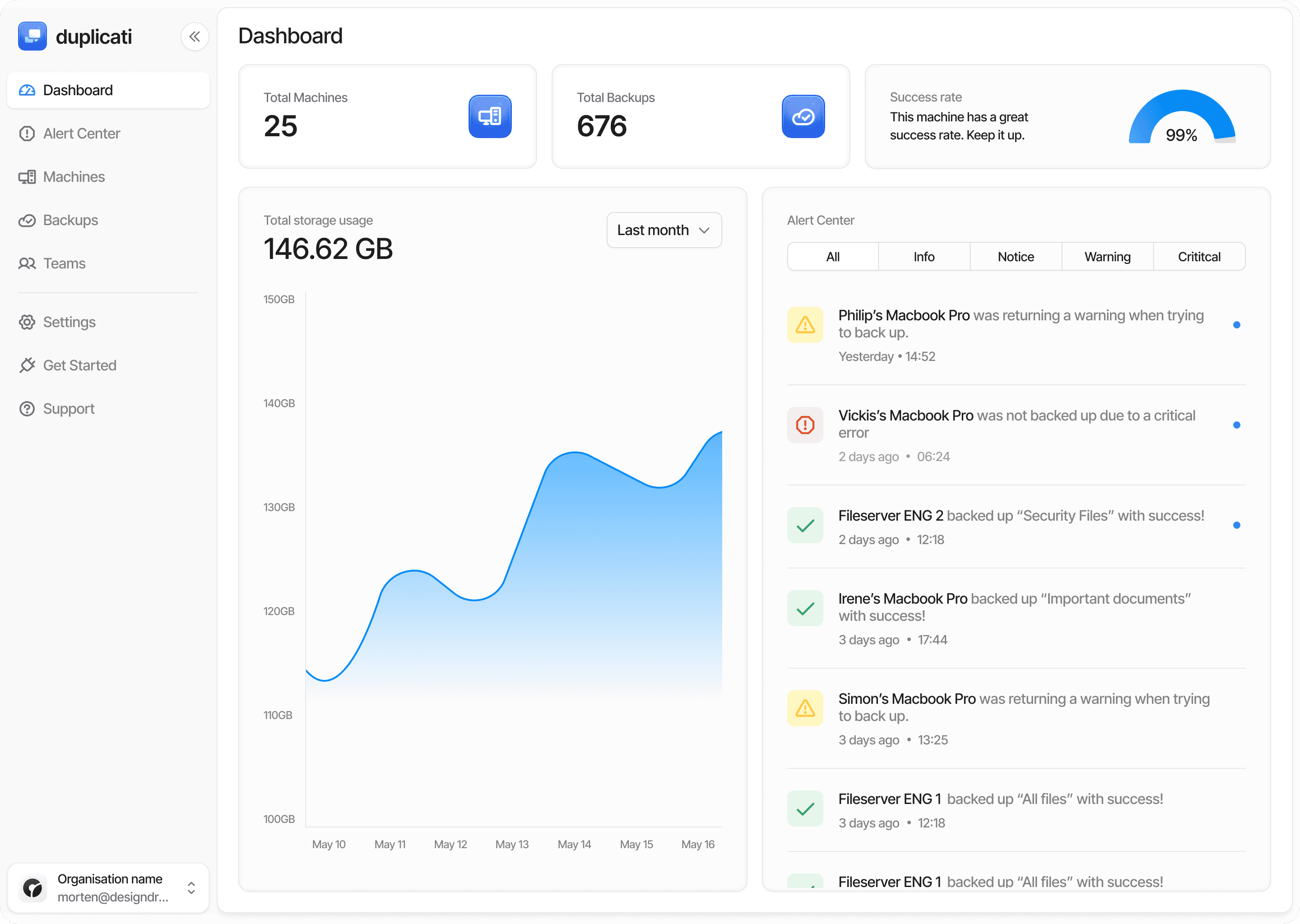
Duplicati backs up Linux and Windows servers, web roots, databases and Docker volumes into encrypted, deduplicated, versioned backups, stored on the destination you choose. Encryption happens before data leaves the server, and long retention stays affordable thanks to deduplication. With the Duplicati Console, MSPs and IT teams can see every server's backup status, retention and last successful run in one place, so a missing or outdated backup shows up before an incident, not during one.
The best time to have a backup from before the breach is before the breach. Get started with Duplicati.