An alternative to
Acronis
Hybrid Cloud Backup with Zero Vendor Lock-In
Manage encrypted backups across S3, WebDAV, SFTP, and local hardware from a single console with a battle tested open-source engine
Bring your own storage (BYOS)
No added fees for storage, no limits on bandwidth. You decide which provider has the optimal offering and Duplicati follows.

Works with the local or cloud storage you already use


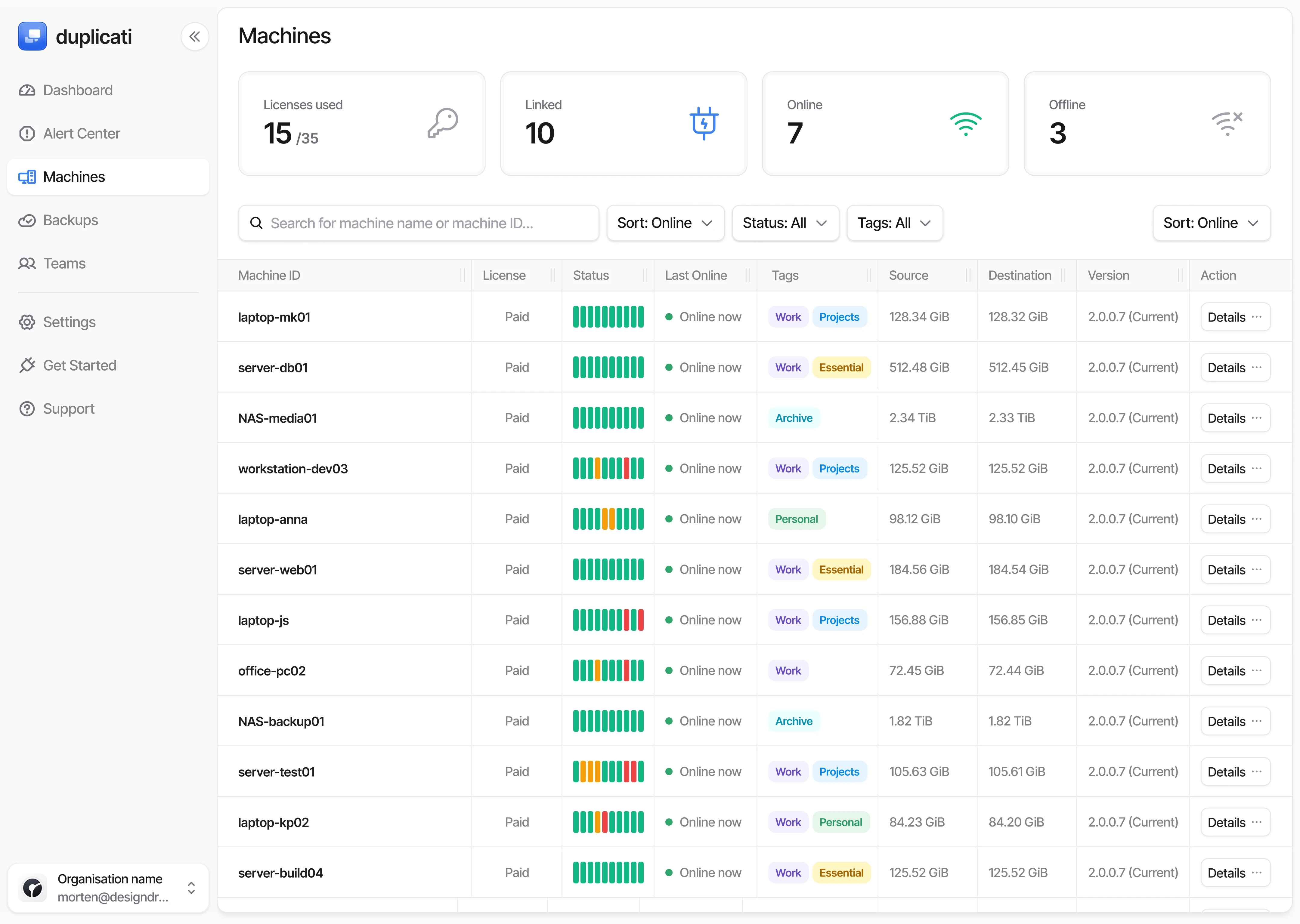
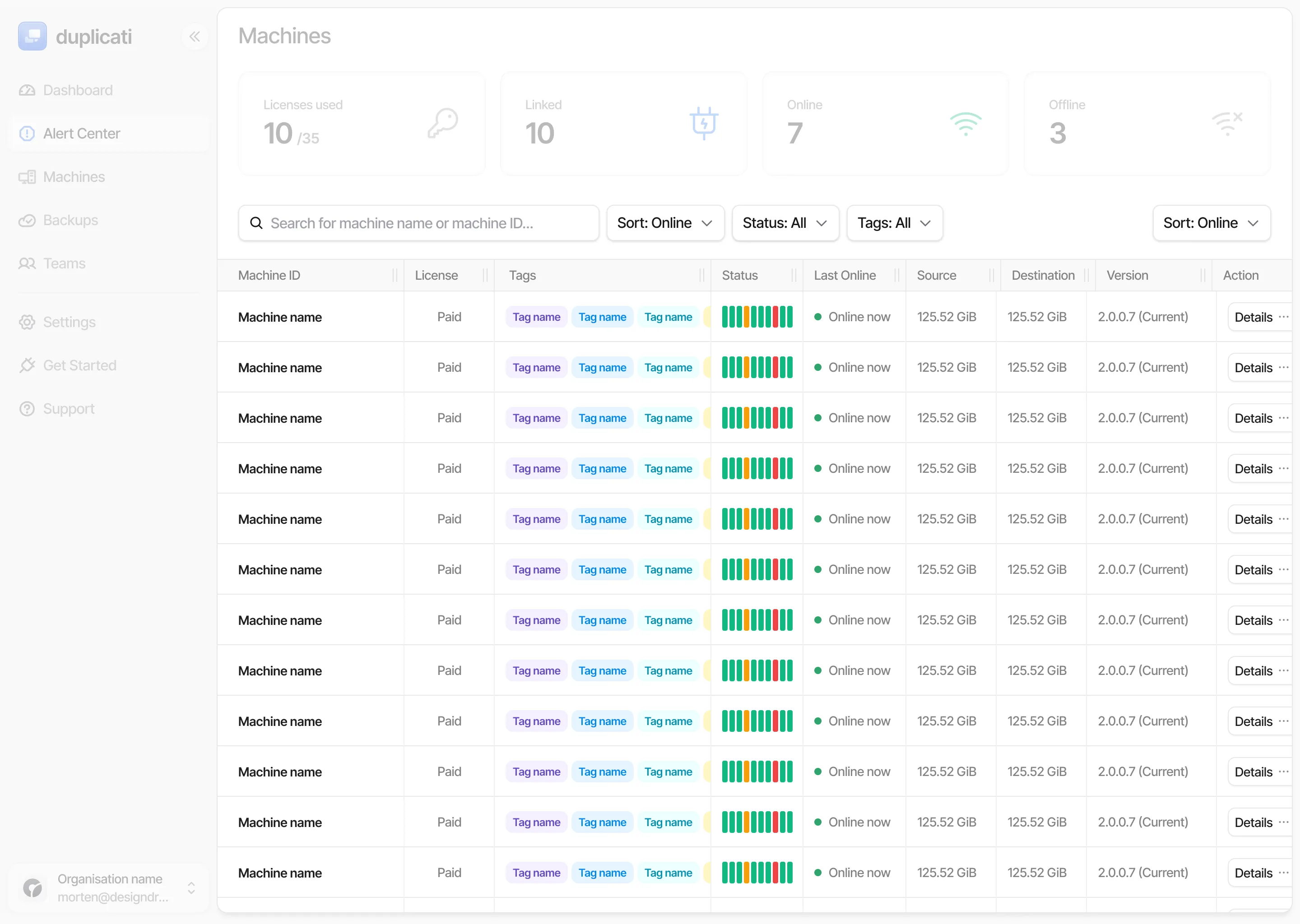
Centralized Control. Distributed Power.
Duplicati gives you the ability to deploy quickly, standardize backup policies, and maintain clean separation between departments without extra overhead.
Built for Streamlined Workflows
A quick look at the features that keep multi-client environments running smoothly.
Save WAN Bandwidth and Slash Cloud Egress Costs.
Zero-Trust Encryption
All data is encrypted with AES-256 locally, before reaching the network and cloud. Immutable storage keeps backups ready.

Agent-based deployment
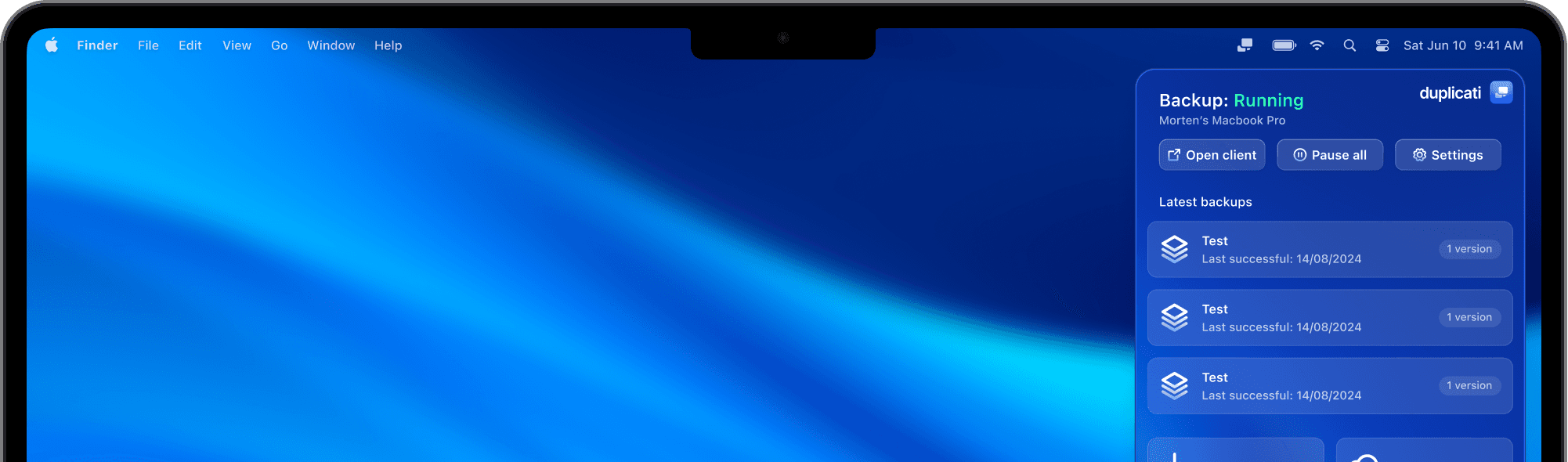
Lightweight agents that run quietly in the background and aren’t accessible on the host.


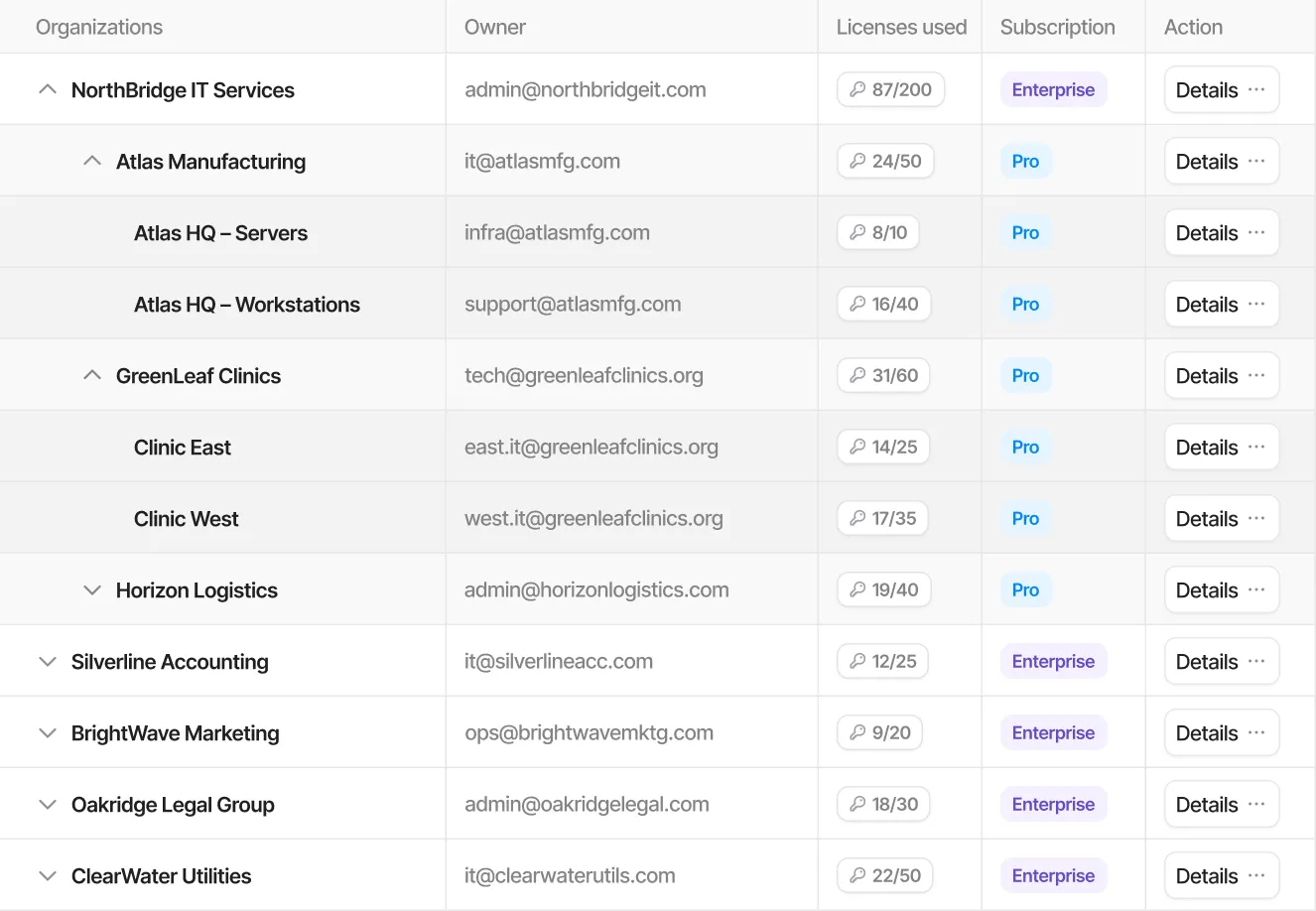
Sub-organizations
Keep every client isolated inside dedicated sub-organizations — all under one subscription. Invite customers to their own space when needed.
Scales With You
Support unlimited clients and endpoints under one subscription. Grow your service offering without extra licensing complexity.








Storage Integrations
Ready for any storage environment
Duplicati connects seamlessly to the most widely used cloud and on-prem storage platforms. Bring your own storage (BYOS) or use the Duplicati storage.














Pricing plans
Straightforward Pricing
Plans that fits any need. Whether you're just getting started backing up your files or you're on enterprise level we got your back.
Latest from Duplicati
The 72-hour clock: how backup logs become your evidence after a breach
GDPR and NIS2 start the reporting clock when you become aware of an incident, not when you finish investigating it. Here is how a central backup history answers the first questions a regulator will ask: when it started, which machines, and what you can get back.
Business & MSP
Backup for Microsoft Teams and SharePoint: the parts of M365 everyone forgets
Most Microsoft 365 backup plans stop at Exchange and OneDrive. Teams channel files, chat history, shared mailboxes and SharePoint sites all follow different rules, and the native safety nets expire faster than most people assume.
Guides
Backing up cloud-synced folders without downloading the cloud: --exclude-non-local-files
Backing up a OneDrive or Dropbox folder can download everything the user kept in the cloud. Here is how --exclude-non-local-files prevents that, and what it means for your retention.
Guides
Managing client backups the easy way
Deploy your first agents in minutes. Scale to hundreds of clients with ease.