Managed Backup for Microsoft 365 and Google Workspace
Connect a tenant and the Duplicati Console does the rest: it runs the backups, stores the data and reports the results. No software to install and no machine to maintain.
What Is Managed Backup?
A managed backup is a cloud-to-cloud backup that Duplicati runs for you. You provide credentials for the tenant, choose a schedule and decide what to include. Each run starts a dedicated runner hosted by Duplicati, which backs up the data and shuts down again when the work is done.
Installing and patching backup software
Keeping a backup machine online
Provisioning storage before the first run
Building separate setups for Microsoft 365 and Google Workspace
Collecting reports and alerts from each backup by hand
You stay in control of what matters: which users, groups and sites are included, how often the backup runs and where the data is stored.
Everything Runs in the Duplicati Console
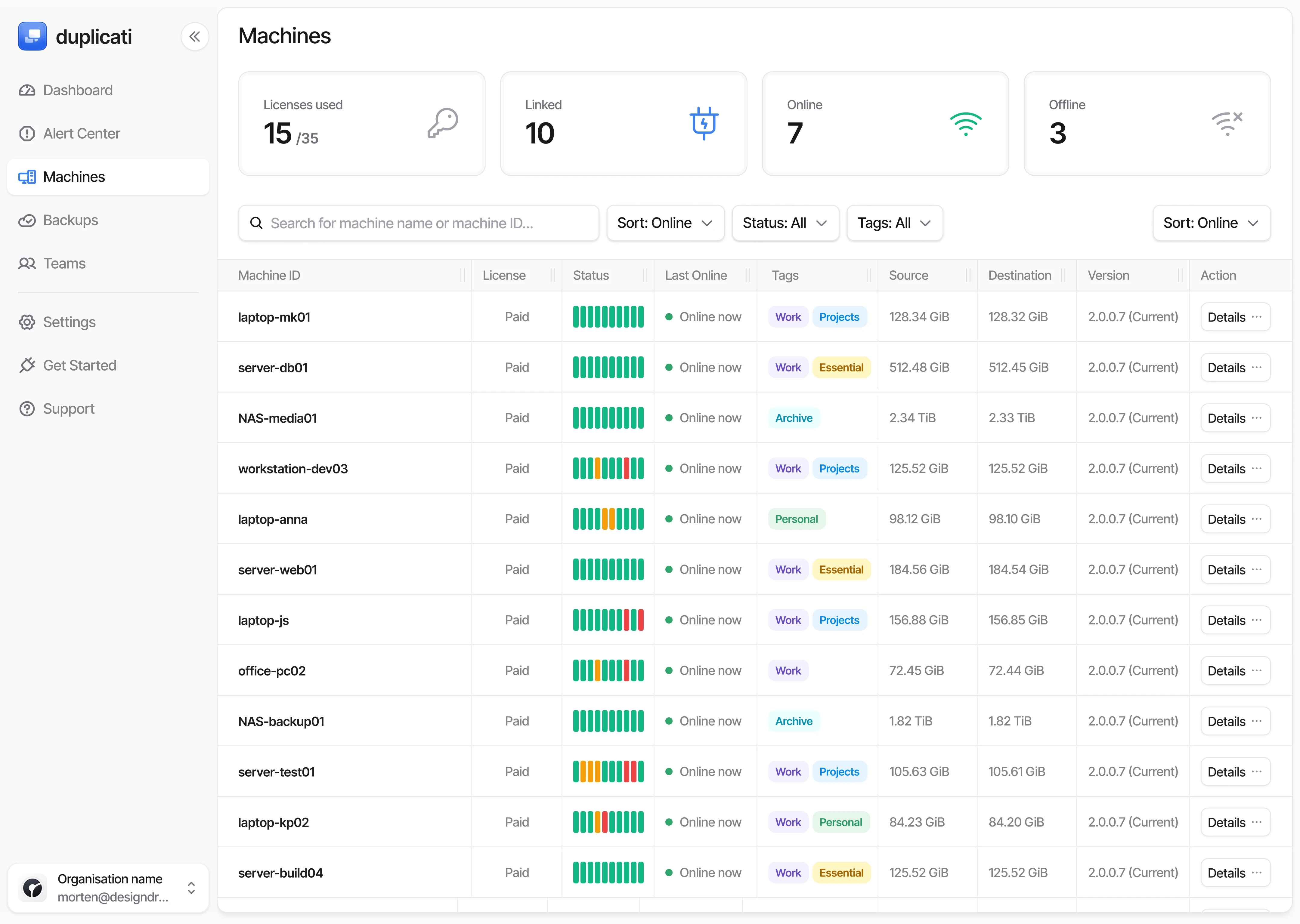
Set up a backup in a few minutes and manage it from the same place as the rest of your machines.


What’s Included
One seat per user covers the backup, the storage and the tools to get data back out.
Capability
Managed Backup
Price
$1.50
per user, site or group per month
Microsoft 365 backup
Yes
Google Workspace backup
Yes
Scheduled and on-demand runs
Yes
Item-level, versioned restore
Yes
Cross-tenant restore
Yes
eDiscovery search and export
Yes
Dashboards, reports and alerts
Yes
Storage
100 GB per seat, or your own
Encryption
Before upload
Search the contents and metadata of every version in a date range, including files and emails that were later deleted from the service.
Search by name, email address, case number or any pattern
Text extracted from documents, PDFs and emails
OCR for images and scanned documents
Narrow the search by date range and path
Matches listed by name, location and version


Share Results Without Sharing Access
Select the matches you need and extract them for a lawyer, auditor or data subject. The recipient needs no Duplicati account.
AES-256 encrypted archives, file names included
You send the download link and password separately
Links expire after 14 days and the files are deleted
Data is decrypted on the runner, not in the Console
Built for legal requests, audits and access requests

Scales With You
Seats work for Microsoft 365 or Google Workspace. Archive a backup to keep its data and release the seats for someone else.


Start Using Managed Backup
Tell us how many users you need to protect and we’ll help you get your first managed backup running.