News
Point-in-time restore: why 'last night's backup' is the wrong answer to most recovery questions
The most recent backup is only the right restore point when the damage is recent and nothing has changed since, which rules out corruption, slow ransomware, late-noticed deletions and old config mistakes. Here is why versioned, block-level backups and a sensible retention policy let you pick the right moment instead, with Duplicati's new point-in-time restore from versioned storage as the worked example.
When something goes wrong, the first restore request almost always sounds the same: "just put back last night's backup." It is a natural reflex. But the real recovery question is rarely "what did this look like at 02:00 this morning?" It is "what did this look like the moment before things went wrong?" Those two moments coincide only when the damage is hours old and nobody has touched the data since.
Corruption, slow-moving malware, deletions and bad changes are all discovered later than they happen, so last night's backup faithfully contains the problem. The restore point, not the restore, is the decision that matters. Four scenarios MSPs and IT teams see every month show why.
Scenario 1: the spreadsheet that broke three days ago
A finance workbook stopped opening cleanly on Monday. Nobody raised it because it half-worked; people kept pasting in figures and saving. On Thursday it refuses to open at all.
Last night's backup contains Wednesday evening's copy, already corrupt. What you want is the last known-good version from Sunday night, plus Wednesday's copy beside it so three days of edits can be diffed and re-keyed.
With versioned backups that is routine: browse the file's history, restore Sunday's version next to the broken one rather than over it, and compare. Without version history, the honest answer to "can you get Sunday's version back?" is no.
Scenario 2: ransomware that took two weeks
Modern ransomware is often quiet: a few hundred files a day, starting with folders nobody opens, announcing itself only once most of the estate is gone. By then the slow burn has run for two weeks, and every nightly backup in that window dutifully uploaded the newly encrypted files as "changed". Last night's backup is almost entirely ciphertext; even last week's is partly damaged.
The right restore point is the day before the first encrypted file appeared, and finding it is a search, not a guess. Walk back through the versions and watch the change counts: a job that normally touches 2,000 files and suddenly touches 20,000 marks the start. Restore from the version before that spike and you lose two weeks of edits on the affected files instead of everything. Attackers increasingly target the backup destination too, which is why the storage holding your backups should be versioned as well; more on that below.
Scenario 3: the mailbox or Drive folder deleted last Tuesday
A departing employee's Microsoft 365 mailbox was removed during off-boarding on Tuesday; a shared Google Drive folder was "tidied up" the same week. Nobody noticed until a customer asked for an attachment today, eleven days later.
Last night's backup faithfully reflects the tenant as it is now: no mailbox, no folder. Every nightly run since Tuesday recorded the deletion as the new normal, and a latest-state-only backup has nothing to offer once the SaaS provider's own recycle bin expires.
With versioned backups the mailbox and the folder still exist in every version taken before Tuesday. Open Monday night's version, browse to them exactly as they stood, and restore them without touching anything else in the tenant. Retention matters: seven daily points would already have thinned Monday away.
Scenario 4: the config change that broke a server last month
An application server has misbehaved for weeks. The cause turns out to be a configuration file changed during a maintenance window a month ago, and nobody remembers what it looked like before.
Last night's backup contains the broken config, and so does every backup from the last four weeks. Rolling the whole server back a month is not an option either, because its application data is current and valuable.
The right restore is surgical: one file, from the last version before the maintenance window. Versioned backups let you list that file's history, see the date its contents changed, and restore just that version to a side folder for comparison. The server keeps its data; only the config rolls back.
How block-level versioning keeps history cheaply
If every version were a full copy, a year of daily backups would cost 365 times the data set. Block-level deduplication is what makes deep history affordable.
Duplicati splits every file into fixed-size blocks and hashes each one. A block is uploaded once, however many files or versions reference it. Each backup run then records a fileset: a list of which files existed at that moment and which blocks make up each. A fileset is metadata, so it is small.
A new version therefore costs only the blocks that are new. A 200 MB spreadsheet with one changed tab adds a handful of blocks, not 200 MB; a server where nothing changed overnight adds a fileset and little else. Thirty daily restore points of a mostly static file server occupy barely more than one full copy plus a month of real change. Encrypted files are new blocks beside the originals, so the clean blocks from before an outbreak stay, referenced by older filesets, until retention says otherwise.
Retention policy decides which points exist
Versioning gives you the ability to keep history. Retention policy decides how much of it survives, and it quietly determines whether each scenario above is recoverable.
Duplicati offers four approaches. Keep all versions never deletes anything. Delete older than keeps every version inside a window, such as 90 days. Keep a number of versions keeps the last N runs regardless of date. Smart retention, the default, thins history as it ages: one version per day for the last week, one per week for the last four weeks, one per month for the last twelve months. A custom policy uses your own buckets.
Map that to the scenarios. The three-day-old spreadsheet is covered by every policy. The two-week ransomware burn and the eleven-day-old deletion both need a clean point older than their damage, so a bare "keep 7 versions" fails. The month-old config change needs a point before the maintenance window: smart retention still has weekly points there; a 14-day window has nothing.
Shortening retention saves storage by deleting restore points you may one day need. For MSPs this is the conversation to have with clients before an incident, and the Duplicati Console offers the ability to apply such settings to all or some machines in the fleet.
Finding the right version quickly
A restore point is only useful if you can find it in minutes. In Duplicati every backup run appears in the restore view as a dated version: pick the date, then browse the file tree as it stood at that moment. Versions can be labelled, so a point verified clean after an incident is easy to find again.
For single-file cases, the file-version listing beats browsing: one path's history, with size and timestamp per version, makes the moment a config changed obvious. For ransomware, per-run change counts in the backup log and the Console's backup dashboard mark the boundary.
The newest piece is point-in-time restore from versioned storage. Object stores such as S3-compatible services and Backblaze B2 can keep every version of every object, so a delete or overwrite hides the old copy rather than destroying it. That protects the backup files from an attacker who reaches the destination, but recovering from such a store used to mean hand-copying the right object versions into a fresh bucket first.
Duplicati's new --remote-point-in-time option removes that step. Give it a time, relative such as 2D4h (two days and four hours ago) or absolute, and Duplicati reads the destination as it existed then: every list and download returns the latest object version before that moment, and writes are refused while the option is active. Combined with the backup's own version history, you rewind both layers at once: the destination to before the attacker touched it, the files to before the first encryption. The feature was introduced in canary 2.4.0.105, ahead of beta and stable.
The question to ask before the incident
"Last night's backup" answers one recovery question: a disk that died an hour ago. Everything else is a question about a different moment, and only a backup that kept that moment can answer it. Block-level versioning makes keeping it cheap, retention decides whether it is still there, and good tooling makes it quick to find.
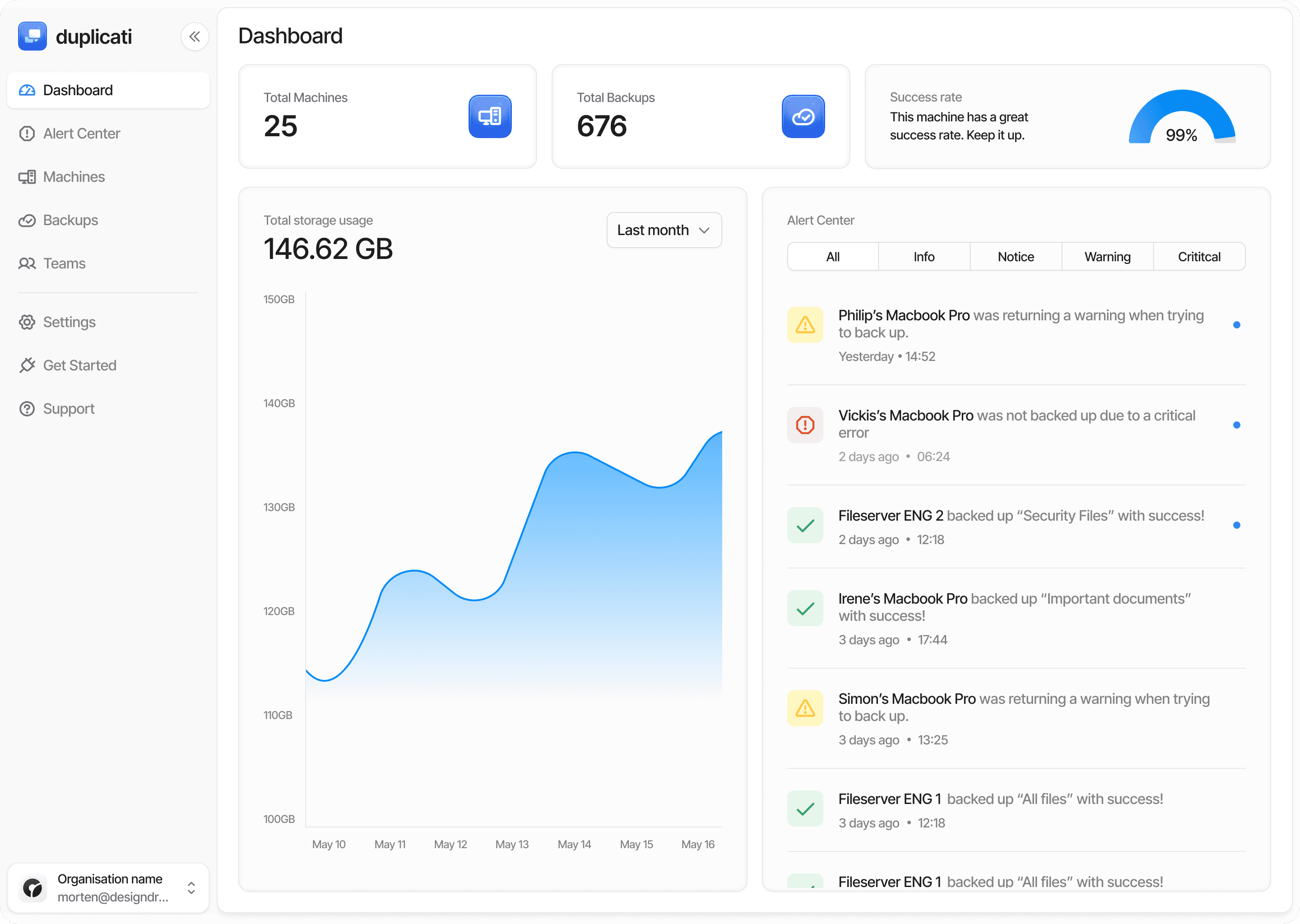
The Duplicati Console brings that together for every machine and tenant you look after: define retention once and push it everywhere, watch per-run change counts across the fleet so a slow outbreak shows early, and open any client's restore view remotely to pick the right point. Start a free trial at app.duplicati.com.