Business & MSP
The 72-hour clock: how backup logs become your evidence after a breach
GDPR and NIS2 start the reporting clock when you become aware of an incident, not when you finish investigating it. Here is how a central backup history answers the first questions a regulator will ask: when it started, which machines, and what you can get back.
The clock starts before you have answers
Under both GDPR and NIS2, the deadline runs from the moment you become aware of an incident. Not from the moment the forensics firm hands over its report, and not from the moment you know how bad it is. Most teams discover this the hard way: the first 72 hours are spent arguing about what happened, while the notification form asks for exactly that.
There is one system in most organizations that has been quietly recording what happened to your data, machine by machine, every night: the backup. Every run notes how many files were added, changed and deleted, how much data moved, and whether it completed. Collected in one place, that history becomes a timeline of the incident you did not know you were keeping.
This article walks through how to use it, hour by hour, and how it maps onto what the regulations ask you to report.
What the two regulations actually ask for
GDPR and NIS2 overlap but are not the same obligation. A ransomware attack on a hospital, a utility or an MSP serving either can trigger both, with different recipients and different content.
GDPR (Art. 33 and 34) | NIS2 (Art. 23) | |
|---|---|---|
Triggered by | A personal data breach likely to result in a risk to individuals | A significant incident affecting an essential or important entity |
Goes to | The national data protection authority | The national CSIRT or competent authority |
24 hours | — | Early warning: is it suspected malicious, could it have cross-border impact? |
72 hours | Notification to the authority (information may follow in phases) | Incident notification: initial assessment of severity and impact, indicators of compromise where available |
Later | Notify affected individuals without undue delay if the risk is high | Intermediate report on request; final report within one month |
Always | Document every breach internally, notified or not | Keep records that support each report |
Two details matter for what follows. First, "breach" under GDPR includes loss of availability: encrypted files you cannot read are a personal data breach even if nothing left the building. Second, both regimes accept that early reports are incomplete. What they do not accept is silence, or a report with no basis.
One thing that has not changed yet: the EU's Digital Omnibus proposal would raise the GDPR threshold to high-risk breaches, extend the deadline to 96 hours and route reports through a single entry point. As of late October 2026 that is still in negotiation, and the proposal ties the new breach rules to the entry point going live 18 to 24 months after adoption. For now, plan for 72 hours under GDPR and 24/72 hours under NIS2.
Why backup history is evidence, not just insurance
Most people think of backups as the thing you restore from after the decision is made. In the first 72 hours, they are also one of the inputs to the decision.
The European Data Protection Board's own worked examples make the point. In a ransomware case where data was encrypted but a recent backup existed, there was no sign of exfiltration, and service was restored quickly, the risk to individuals can be judged low enough that notification to the authority is not required, though the breach must still be documented. Remove the backup, or stretch the outage, and the same incident moves into notifiable territory.
That makes three questions central, and a backup history can help answer all of them:
When did it start? The first run where change counts jumped sets the earliest likely point of compromise, and the last clean version before it.
How far did it spread? Which machines show the pattern, and which do not.
What can you get back, and how fast? Which machines have a clean version, how old it is, and whether it can actually be restored.
A backup history cannot tell you whether data was copied out. Encryption shows up as changed files; quiet exfiltration does not. That question belongs to network, firewall and endpoint logs. Be honest about that boundary in your reports, and use backup data for what it is good at.
Hours 0–4: find the spike
The first useful question is not "what is the attacker doing now" but "when did our data start changing in ways it never does". Ransomware has a recognizable signature in backup reports. A file server that normally sees a few hundred modified files a night suddenly reports tens of thousands. Upload volume jumps, because encrypted files do not deduplicate against their originals. Runs take far longer than usual, or fail outright as files are locked mid-backup.
In a central view, line up the last two weeks of runs per machine and look for:
The first abnormal run. Its start time is your earliest evidence of change. The run before it is your last known-good version.
Mass deletions. Some ransomware strains write encrypted copies and delete the originals, which shows up as a deleted-file spike rather than a modified-file spike.
Size anomalies. A jump in uploaded data on a machine whose content should be stable.
Gaps. Machines that stopped reporting. A missing backup is sometimes the earliest sign that an attacker disabled agents or services before encrypting.
Write these times down as you find them, with the source. "First anomalous backup run on FS-01 started 02:14 on 3 November; previous run at 02:10 on 2 November showed normal activity" is the kind of sentence that survives scrutiny later. It also narrows your awareness window honestly: you can show when the evidence first existed, and when someone looked at it.
One caution: the backup timestamp marks when the backup noticed the change, not when it happened. If backups run nightly, the change happened somewhere in the 24 hours before. Say so.
Hours 4–24: map the blast radius
Once you know what the spike looks like, the question becomes which machines show it. This is where a central history earns its keep. Logging into thirty machines one by one to read local logs costs a day you do not have. A single list of every machine's last runs, sorted by change volume, takes minutes.
Sort the fleet into three groups:
Group | What the backup history shows | What it means for the report |
|---|---|---|
Affected | Change or deletion spike, failed or abnormally long runs | In scope: systems and data categories to list |
Unaffected | Normal change counts after the suspected start time | Evidence the incident did not reach them, as of the last run |
Unknown | No run since before the suspected start, or agent offline | Cannot be ruled out; say so and investigate |
The "unknown" group is the one people forget. A report that says "12 servers affected" when four more simply stopped reporting is a report you will have to correct.
For each affected machine, connect it to what it holds. A machine is not a data category; the HR file share, the patient-records database and the sales laptop are. Your record of processing activities should already say which systems hold which personal data. The backup history tells you which of those systems were touched.
When you need file-level detail, go to the backup itself. Duplicati can list what changed between two versions on the machine or from the backup destination, which turns "40,000 files modified" into "these folders, these file types". The central dashboard tells you where to look; the version history tells you what is there.
The NIS2 early warning falls in this window. At 24 hours you need to say whether the incident looks malicious and whether it may have cross-border effect. A spike pattern across machines, consistent with encryption, is a reasonable basis for "suspected malicious". You do not need to be certain; you need to be grounded.
Hours 24–72: prove what you can get back
By now the question regulators care about most is impact on people, and for an availability breach impact is mostly about two numbers per system: how much data is lost, and how long it stays unavailable.
Data lost is the gap between the last clean version and the incident. If the file server's last good backup ran at 02:10 the night before, roughly a day of changes is at risk. If the last good version is three weeks old because the job had been failing silently, that is a very different notification.
Time unavailable is how long a restore takes. Previous restore runs, backup size and destination speed give you an estimate you can put a number on, rather than "we are working to restore services".
Before you rely on either number, check two things:
The backups themselves are intact. An attacker with access to a machine may have had access to its backup credentials. Confirm the destination was not touched: no unexpected deletions, no versions removed after the suspected start time. Versioned or locked storage makes this much easier to show.
A restore actually works. Restore one affected machine's critical data from the last clean version to an isolated location, and record the result. A successful test restore turns "we have backups" into "we have restored", which is what the EDPB's low-risk ransomware example rests on.
This is also where the notification shape gets decided. If you can show a recent clean version, intact backups and a quick restore, and your other logs show no exfiltration, you may be in documentation-only territory under GDPR. If any of those fail, you are notifying, and the backup history now tells you what to put in the notification. Either way, the decision and the reasoning go in your breach register.
From backup history to the notification
Notification forms differ by country, but they ask for the same core facts. Here is where backup history supplies them, and where it does not.
The form asks for | What backup history provides | What it cannot provide |
|---|---|---|
When the incident started | First anomalous run per machine; last known-good version | Exact time of initial access |
Systems affected | Machines with change spikes, failures or gaps | Systems with no backup agent |
Categories of data and people | Which systems were hit, mapped to your processing records | Whether data was read or copied |
Approximate number of records | File and change counts per affected system, as a scale estimate | A per-person count |
Likely consequences | Data loss window and restore time per system | Downstream misuse of exfiltrated data |
Measures taken | Restores completed, versions verified, times recorded | Containment of the attacker |
Severity and impact (NIS2) | Service downtime, recoverability across the fleet | Financial loss |
GDPR lets you provide information in phases when you cannot have it all at 72 hours. Backup data is ideal for that: the first report gives the scope you can see, the follow-up adds verified restore results. Keep every figure tied to a timestamped export so the next report can update it rather than contradict it.
Set it up before you need it
None of this works if the history is scattered, short or missing. The time to fix that is a quiet Tuesday, not hour 3 of an incident.
Every machine reports to one place. A backup you can only read by logging into the machine is a backup the attacker may have already locked you out of.
Alert on silence. A machine that has not completed a backup in 48 hours should page someone. Gaps are evidence too.
Keep enough history to see a baseline. You need several weeks of normal runs to recognize an abnormal one, and versions older than a typical attacker dwell time to restore from.
Separate backup storage credentials from the machines. Use versioned or locked storage where your destination supports it, so you can show the backups were not altered.
Map machines to data. Tag or name backup jobs so "FS-01" is obviously "HR file share, employee records".
Keep clocks in sync. Timestamps across machines are only a timeline if the clocks agree.
Put backup in the incident runbook. Name who pulls the history, what they export, and where it is stored for the breach register. Write the deadline as a parameter so a change from 72 to 96 hours is a one-line edit.
Test a restore on a schedule. A recorded successful restore from last month is supporting evidence for this month's risk assessment.
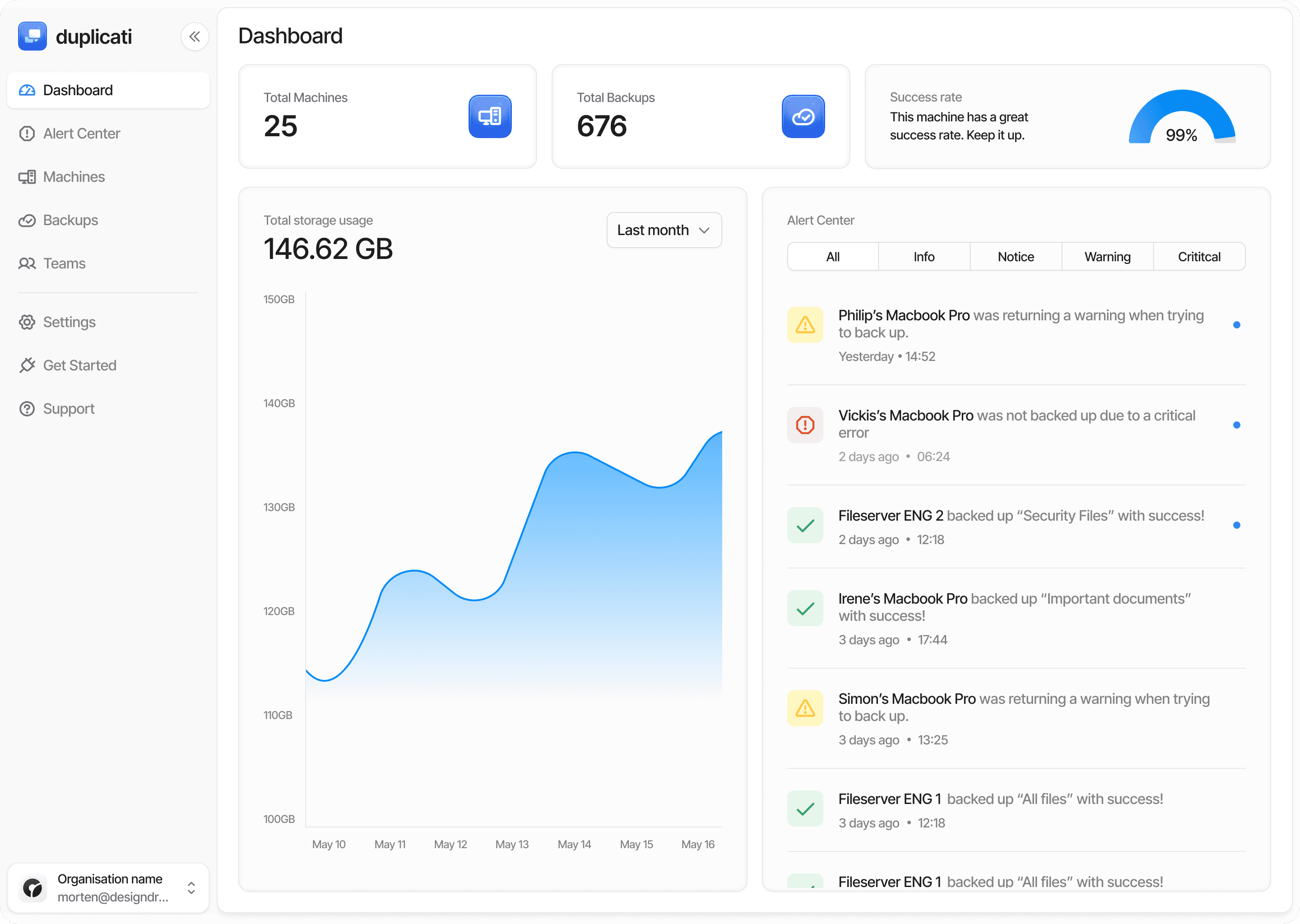
The Duplicati Console is built for the first half of this list: every Duplicati instance, on Windows, macOS and Linux, reports into a single history where you can see each machine's runs, change volumes, failures and machines that have gone quiet, side by side.
The short version
The 72-hour clock does not wait for certainty, but it does reward evidence. A central backup history gives you three things early: when changes started, which machines they reached, and what you can restore. It cannot tell you what was copied out, and your reports should say so. Used for what it is good at, it turns the first notification from a guess into a timeline you can defend, and it may decide whether you need to notify at all.
This article is general information, not legal advice. Notification thresholds and procedures vary by member state; check with your data protection officer or counsel.